

1. Them tus nqi pabcuam
Qhov no yog qhov yooj yim tshaj plaws thiab feem ntau cov qauv nyiaj tau los rau feem ntaucov neeg ua haujlwm them hluav taws xobtam sim no - khwv tau nyiaj los ntawm kev them tus nqi pabcuam rau ib kilowatt-teev ntawm hluav taws xob. Xyoo 2014, Pawg Neeg Saib Xyuas Kev Txhim Kho thiab Kev Hloov Kho Hauv Tebchaws tau tshaj tawm cov cai, qhia meej tias cov neeg ua haujlwm them nqi tuaj yeem them tus nqi hluav taws xob rau cov neeg siv tsheb fais fab thiab them tus nqi pabcuam, thiab kev them tus nqi hluav taws xob raug siv raws li cov cai hauv tebchaws. Vim yog cov nuj nqis sib txawv thiab cov nqi xauj tsev koom nrog, cov nyiaj tau los hauv ntau qhov chaw thiab ntau theem ua haujlwm kuj yuav txawv.
2. Cov nyiaj pab los ntawm tsoomfwv
Piv txwv li, piv txwv li Tuam Tshoj, raws li "Daim Ntawv Ceeb Toom Txog Txoj Kev Npaj Tsib Xyoo Thib 13 Rau Txoj Cai Txhawb Nqa Kev Them Nqi Tsheb Tshiab thiab Kev Txhawb Nqa thiab Kev Siv Tsheb Tshiab" uas tau tshaj tawm los ntawm Ministry of Finance, Ministry of Industry thiab Information Technology thiab lwm lub koom haum thiab cov koom haum, cov xeev, cov cheeb tsam ywj pheej thiab cov nroog yuav tsum tau ua kom tau txais kev txhawb nqa thiab kev pab nyiaj rau kev tsim kho thiab kev ua haujlwm ntawm cov chaw them nqi tsheb tshiab. Txog tam sim no, ntau qhov chaw ntawm lub tebchaws tau tshaj tawm cov cai txhawb nqa rau kev siv cov chaw them nqi tsheb tshiab, uas suav nrog ntau lub xeev thiab cov nroog thoob plaws lub tebchaws.
3. Txo cov nqi hluav taws xob
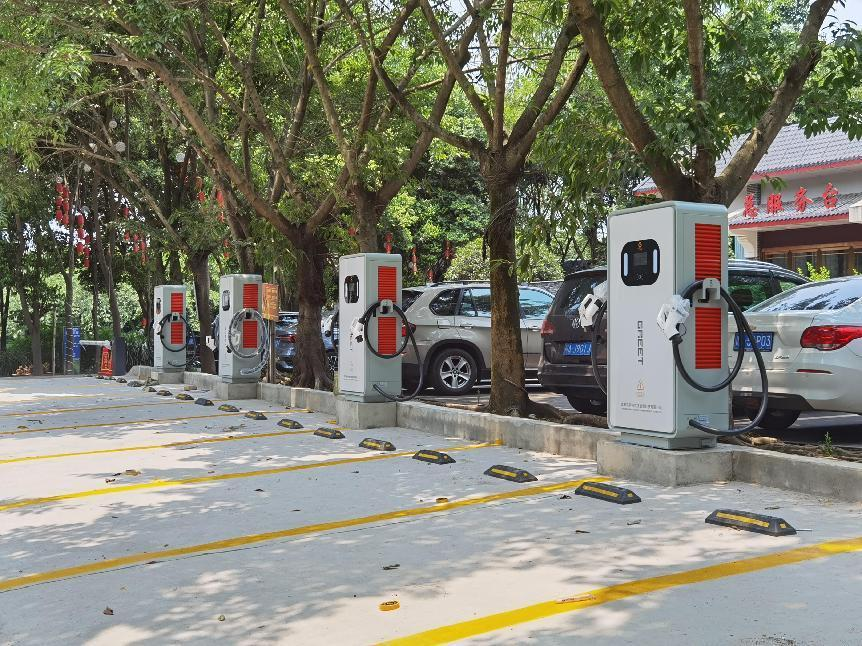
Lub hom phiaj yav tom ntej ntawm cov chaw them fais fab yuav tsum muaj feem cuam tshuam nrog kev khaws cia lub zog. Piv txwv li, los ntawm daim ntawv ntawm kev tsim hluav taws xob photovoltaic, hluav taws xob tuaj yeem yuav tau ntawm tus nqi qis dua, yog li nyob rau hauv tib lub khw muag khoom, tus nqi yuav muaj txiaj ntsig ntau dua. Tam sim no, tsis muaj kev cuam tshuam kev lag luam pom tseeb hauv kev lag luam chaw them fais fab, thiab cov neeg siv yuav tsum ua raws li qhov chaw nres tsheb.
4. Kev tshaj tawm
Xav txog seb puas muaj ntau txhiab tuschaw them fais fab tshebNtawm txoj kev, cov neeg tshaj tawm ntse yuav tsis nco lub sijhawm zoo li no, uas yog qhov nyiaj tau los zoo rau cov tuam txhab them nqi. Txawm li cas los xij, kev tshaj tawm ntawm cov chaw them nqi tseem yuav tsum xav txog seb nws puas yog thiab seb nws puas yuav ua rau cov neeg siv khoom tsis nyiam, tab sis nws tseem tuaj yeem suav tias yog ib txoj hauv kev tseem ceeb los ua kom tau txiaj ntsig.
5. Kev pabcuam them nqi platform
Los ntawm kev tsim koj tus kheej lub platform them nqi scanning lossis mini program, qhov no nyuaj dua, tab sis cov txiaj ntsig kuj tseem ceeb heev.
6. Cov kev pabcuam ntxiv nqi
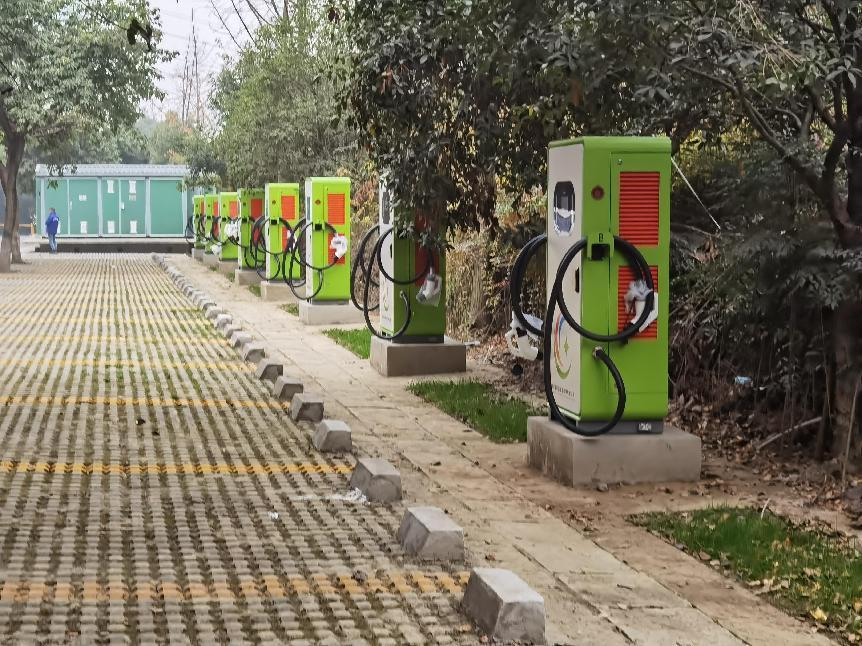
Kev pab ntxuav tsheb. Tsis tas li ntawd xwb, koj tuaj yeem qhib lub khw lossis lub tshuab muag khoom hauv chaw nres tsheb EV kom tau txiaj ntsig los ntawm kev muag khoom. Txawm li cas los xij, qhov no yuav tsum tau rov nqis peev ib feem ntawm cov cuab tam hauv tus nqi ntawm kev qhib lub khw, xav txog qhov xav tau kev yuav khoom ntawm cov neeg ua haujlwm them nqi, thiab xav tau qee tus neeg ua haujlwm los txhawb nqa, thiab lwm yam. Txawm li cas los xij, thaum hom kev pabcuam muag khoom qhib lawm, qhov cuam tshuam kuj zoo kawg nkaus. Koj tuaj yeem ua cov kev pabcuam them nqi thiab hluav taws xob ntxiv rau lwm yam khoom siv.
7. Kev pab cuam xauj tsheb thauj mus los
Tus tswv ntawm lub tsheb them hluav taws xob tej zaum yuav tseem nyob deb ntawm qhov chaw mus, lossis tej zaum yuav tsis muaj chaw them hluav taws xob ntawm lawv qhov chaw ua haujlwm. Hauv qhov no, tus neeg ua haujlwm ntawm chaw them hluav taws xob tuaj yeem daws qhov teeb meem ntawm ob peb mais kawg rau tus tswv. Los ntawm kev xauj cov scooter hluav taws xob, tsheb kauj vab, tsheb kauj vab sib npaug thiab lwm yam cuab yeej thauj mus los rau cov tswv tsheb hluav taws xob, nws tsis yog tsuas yog pab txhawb kev mus ncig ntawm cov tswv, tab sis kuj tau txais txiaj ntsig.
8. Kev tswj chaw nres tsheb
Tam sim no, ntau lub nroog loj tab tom ntsib teeb meem tsis txaus chaw nres tsheb, thiab qhov nyuaj ntawm kev nres tsheb tau dhau los ua teeb meem ntau. Yog tias lub chaw them hluav taws xob muaj chaw txaus, nws kuj tseem tuaj yeem tsim nws lub tsev rau hluav taws xob tshiab, uas tsis yog tsuas yog siv tau tag nrho cov pawg them hluav taws xob uas twb muaj lawm, tab sis kuj daws tau ib feem ntawm qhov teeb meem nres tsheb.
9. Txhawb nqa kev pabcuam noj mov thiab kev lom zem
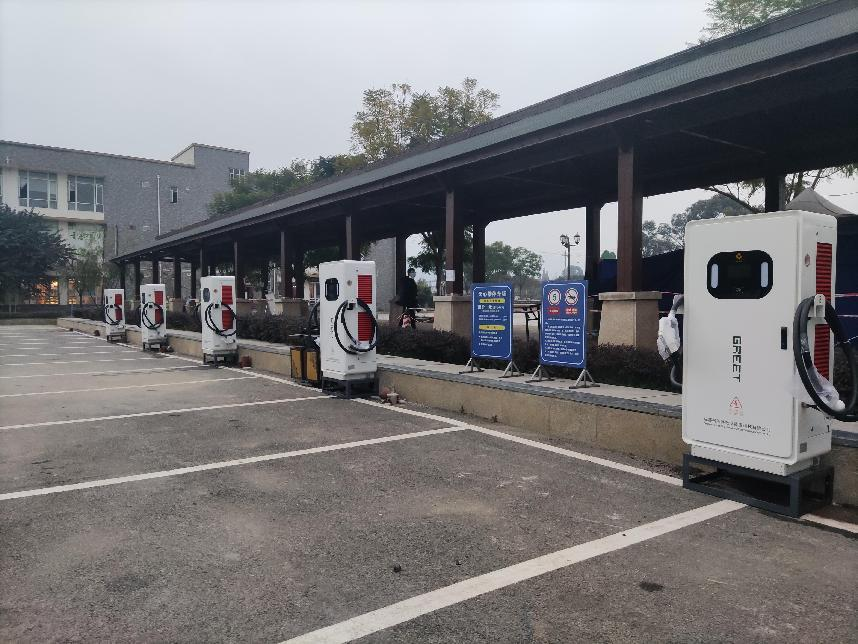
Tam sim no, feem ntau cov chaw them hluav taws xob rau pej xeem tau tsim tsa hauv cov chaw nres tsheb rau pej xeem. Muaj ob hom kev them: ceev thiab qeeb, nrog rau lub sijhawm them hluav taws xob txij li 1 txog 6 teev. Lub sijhawm tos ntev ua rau qee tus tswv tsheb tsis txaus siab. Kev tsim cov chaw them hluav taws xob, ntxiv cov khw muag khoom yooj yim, cov chaw lom zem me me lossis cov kev pabcuam wireless network, ua rau lawv muaj kev siab zoo thiab ntau yam, tuaj yeem txhim kho tus nqi siv ntawm cov pawg them hluav taws xob.
10. Tsim ib lublub network them hluav taws xob rau kev lag luamlub ecosystem
Lub network them nqi yog lub hauv paus ntawm txhua tus qauv txiaj ntsig. Nws tsis vam khom kev them nqi kev pabcuam kom tau txiaj ntsig. Nws siv lub network them nqi hluav taws xob ntawm phab ntsa ua qhov chaw nkag los tsim kev them nqi, kev muag khoom, kev xauj tsev, thiab 4S cov kev pabcuam ntxiv; nws ua ntau lub lag luam ntxiv kom ua tiav kev koom ua ke ntawm lub network them nqi, Is Taws Nem ntawm Tsheb, thiab Is Taws Nem, kom ua tiav qhov txiaj ntsig thiab txiaj ntsig ntau tshaj plaws.
Yog tias koj xav paub ntxiv txog qhov no, thov koj xav tiv tauj peb.
Xov tooj: +86 19113245382 (whatsAPP, wechat)
Email: sale04@cngreenscience.com
Lub sijhawm tshaj tawm: Lub Xya Hli-13-2024


